
Radii Minecraft Network
Build your world. Find your people.
We’re building a friendly Minecraft community: a flagship survival world, classic modes and original minigames made by our own team.
Find your world
Pick how you want to play
Made by our team
Original minigames
Quick, original games we’re building right now. Here’s what’s on the way.
 SkyWars variant
 SkyWars Collapse
Free-for-all SkyWars where the islands crumble from the outside in while the border closes.
In development
Survival Games
Start on a pedestal, outlast everyone, and survive the final deathmatch.
In development
AI Imposter
Social deduction: one player is secretly the Imposter while the crew races to finish their tasks.
In development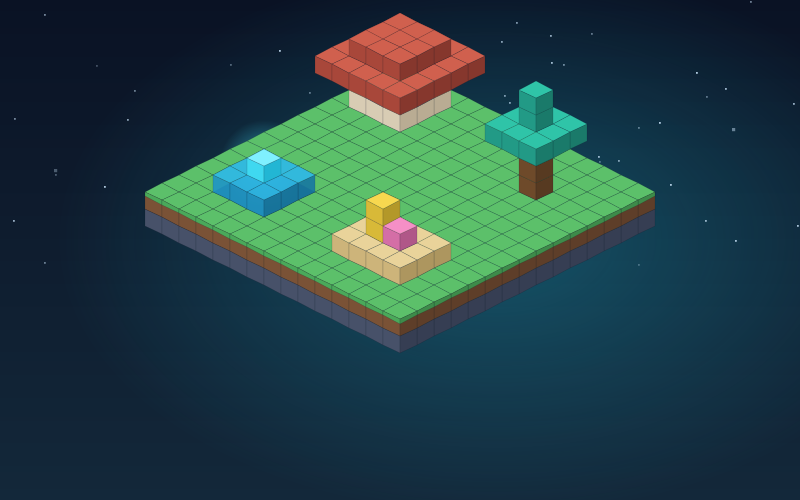
Build Battle
Get a random theme and your own plot, build it against the clock, then tour everyone's creations.
In development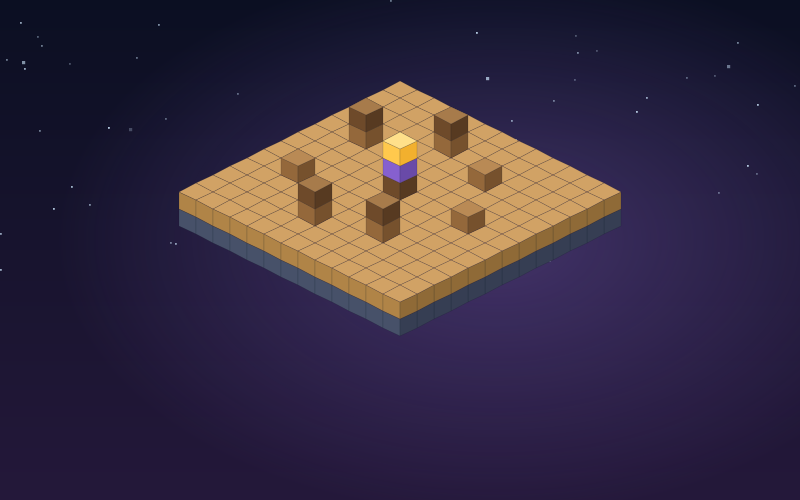
Musical Chairs
Run while the music plays — there's always one fewer chair than players.
In development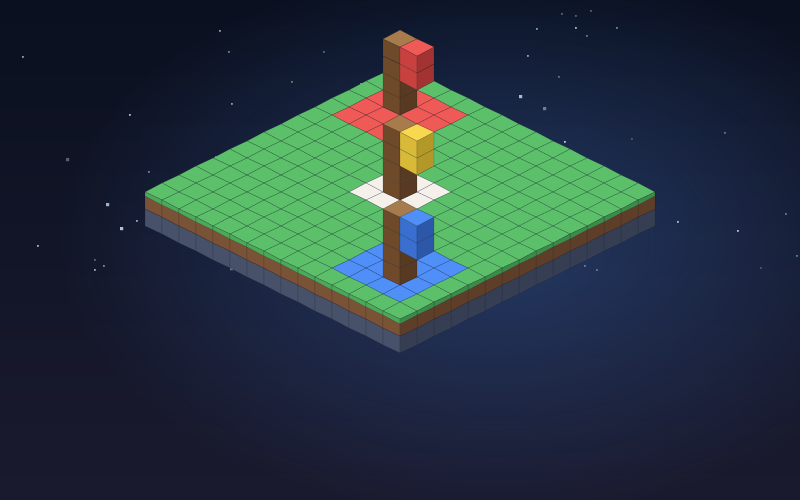
Territory Control
Two teams fight to capture and hold zones that score points every second.
In development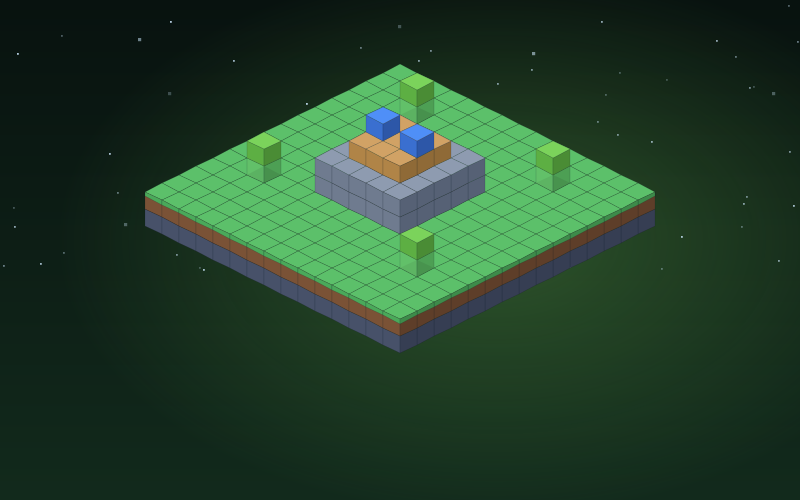
Infected
Survivors hold out against a growing horde — and every survivor who falls joins it.
In development
TNT Tag
Pass the TNT before the timer runs out — or go out with a bang.
In development
One in the Chamber
Free-for-all with a bow, a sword and a single arrow — every shot is a one-hit kill.
In developmentWhat’s new
Latest news
Announcements and updates will appear here as soon as we publish them.
Coming up
Events
Community events will be listed here.
Community
Around the community
Members on the website
Members who are active and visible will appear here.
Recent forum activity
Three steps
Jump in
-
Open Minecraft
Launch Minecraft: Java Edition.
-
Add the server
Multiplayer → Add Server, then paste:
play.radiimc.com -
Say hello
Join the server and meet the community. Full guide